
Alta Via Co.9:16 · Reel
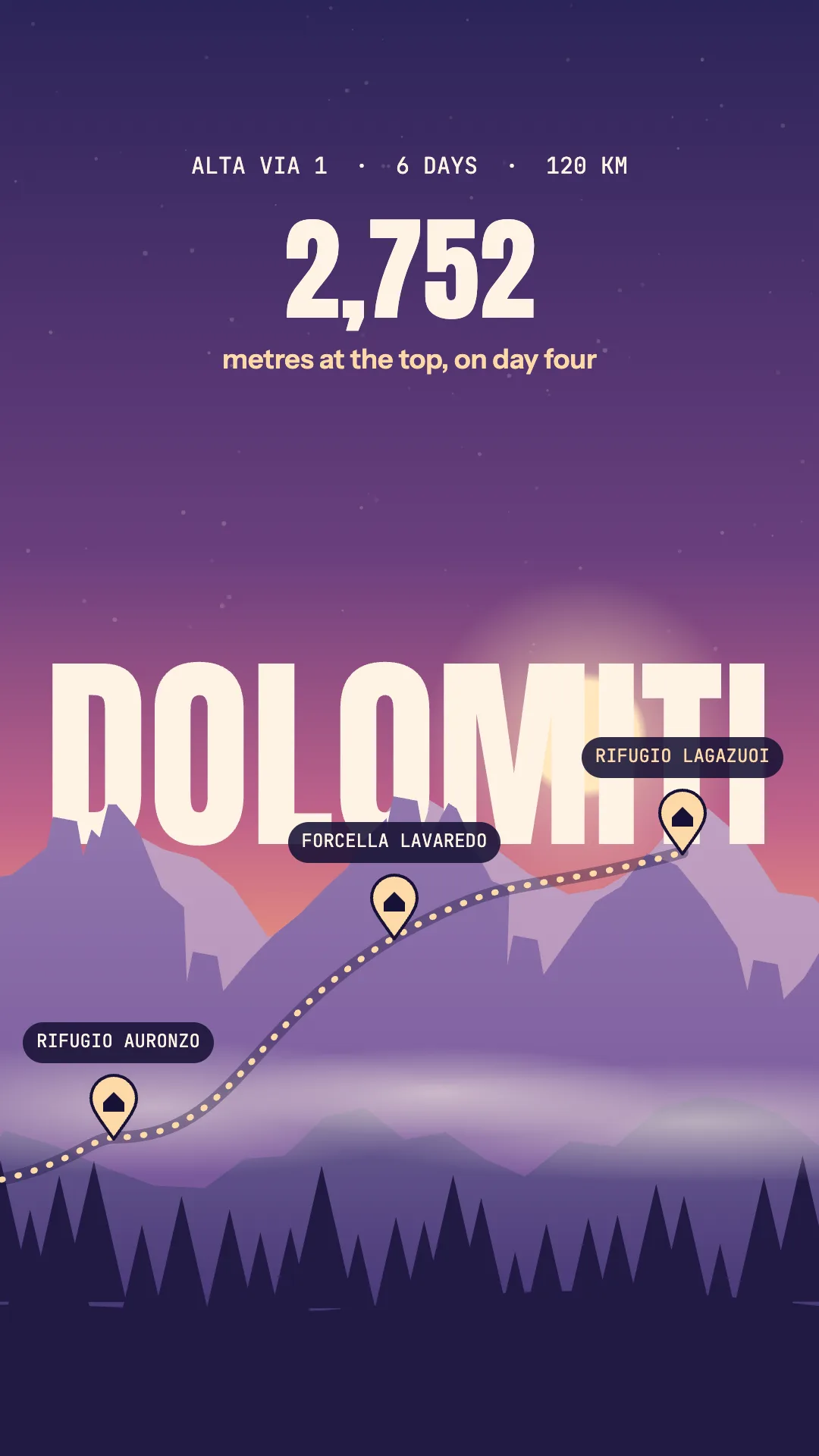
Travel · Dusk landscape in layers
A local, open-source app on top of Claude Code. Describe what you need, get real compositions for every channel, and change them in chat or by hand.
Windows, Linux and the sources: Get started.
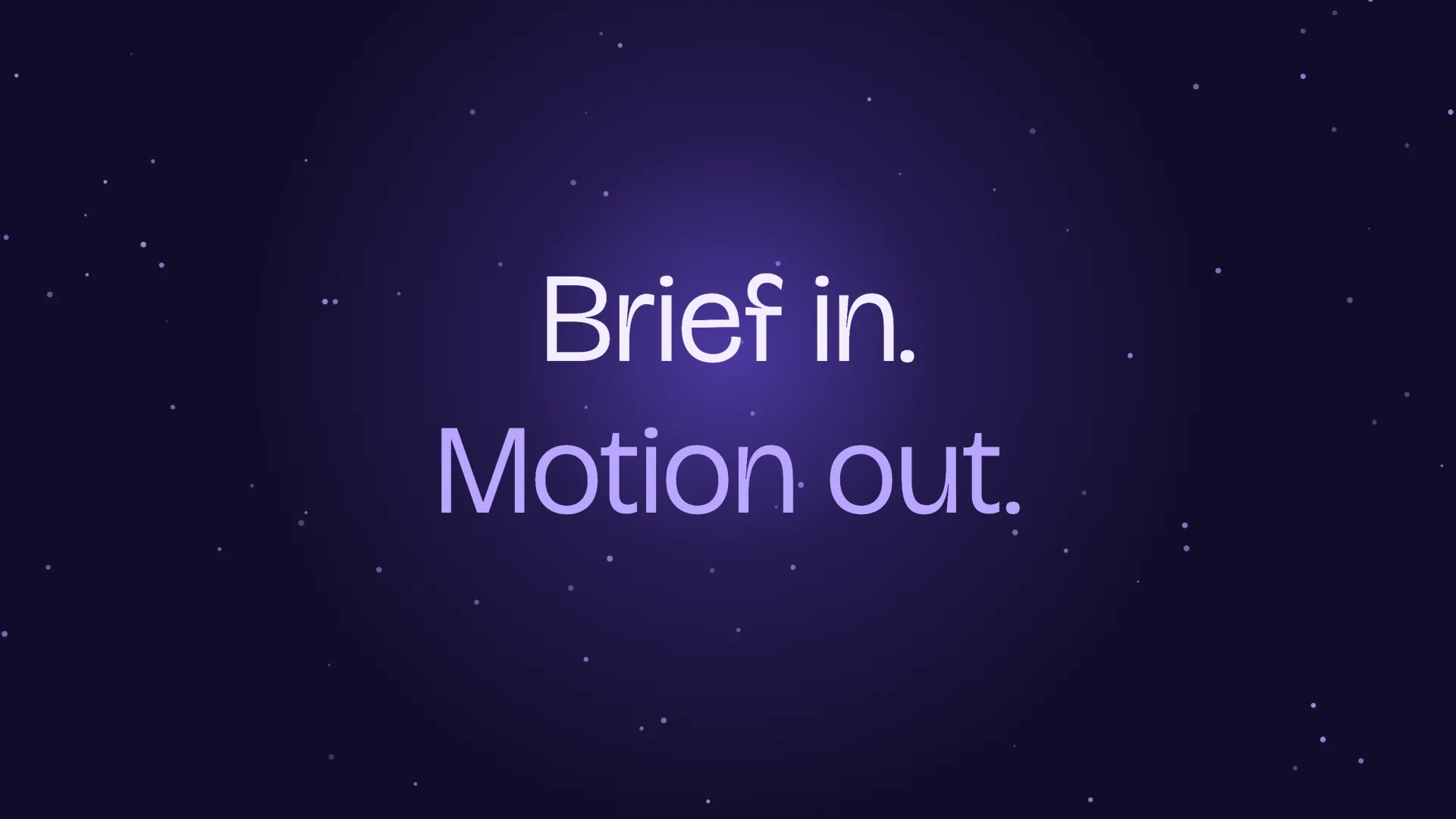
A · Night launchv1
B · Paperv1
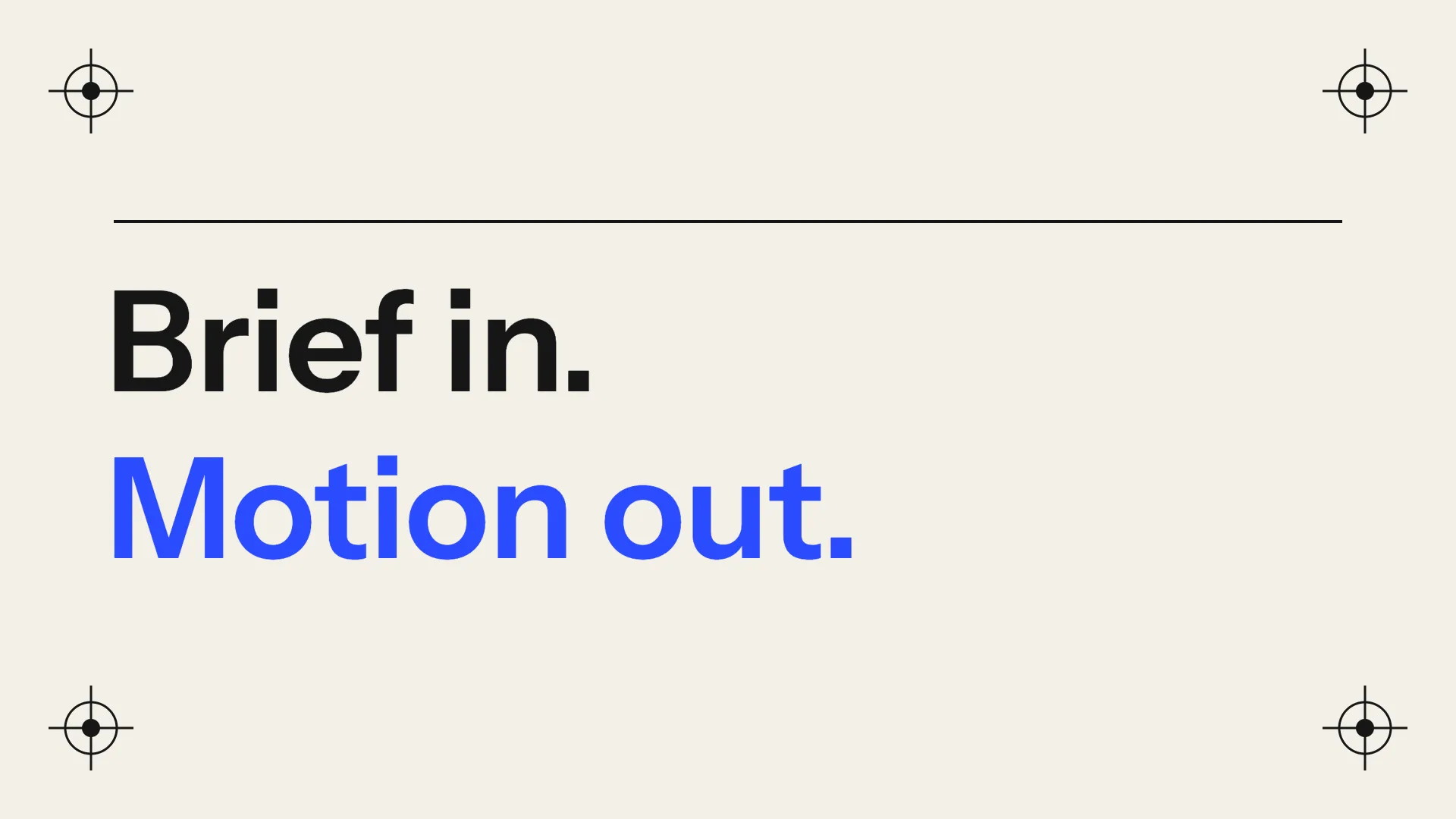
C · SignalChosen
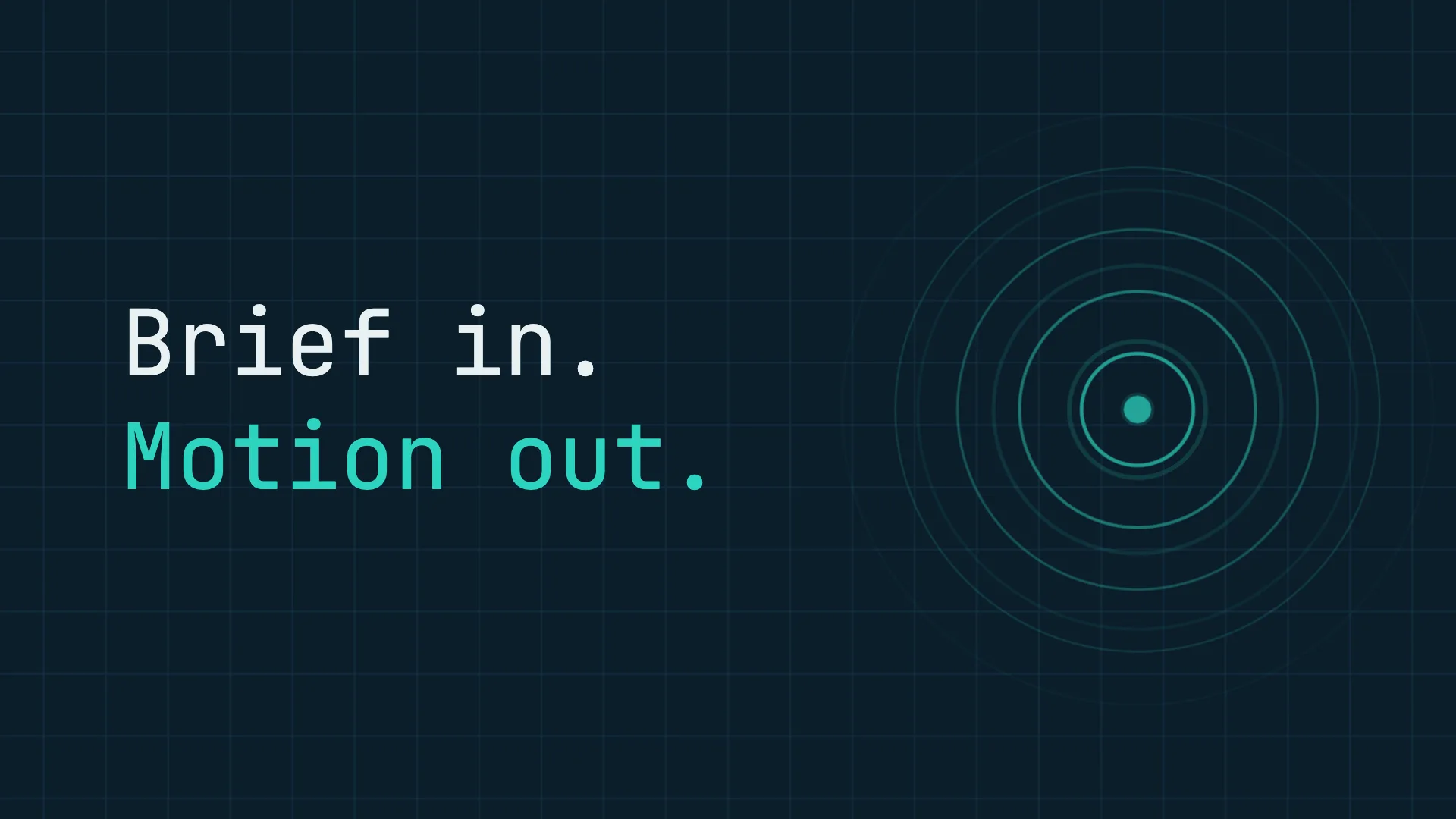
A launch video for Motion Studio. Three variants.
Three directions on the canvas: Night launch, Paper and Signal. Pick one and I’ll carry it through every format.
You chose C · Signal.
The chat in this story is a demo: scripted messages, real features. Every board is a real composition, played by Motion Studio’s own runtime.
Say what you want in plain words. The agent makes a new version and keeps the old one, so nothing you liked is lost.
C · Signalv2
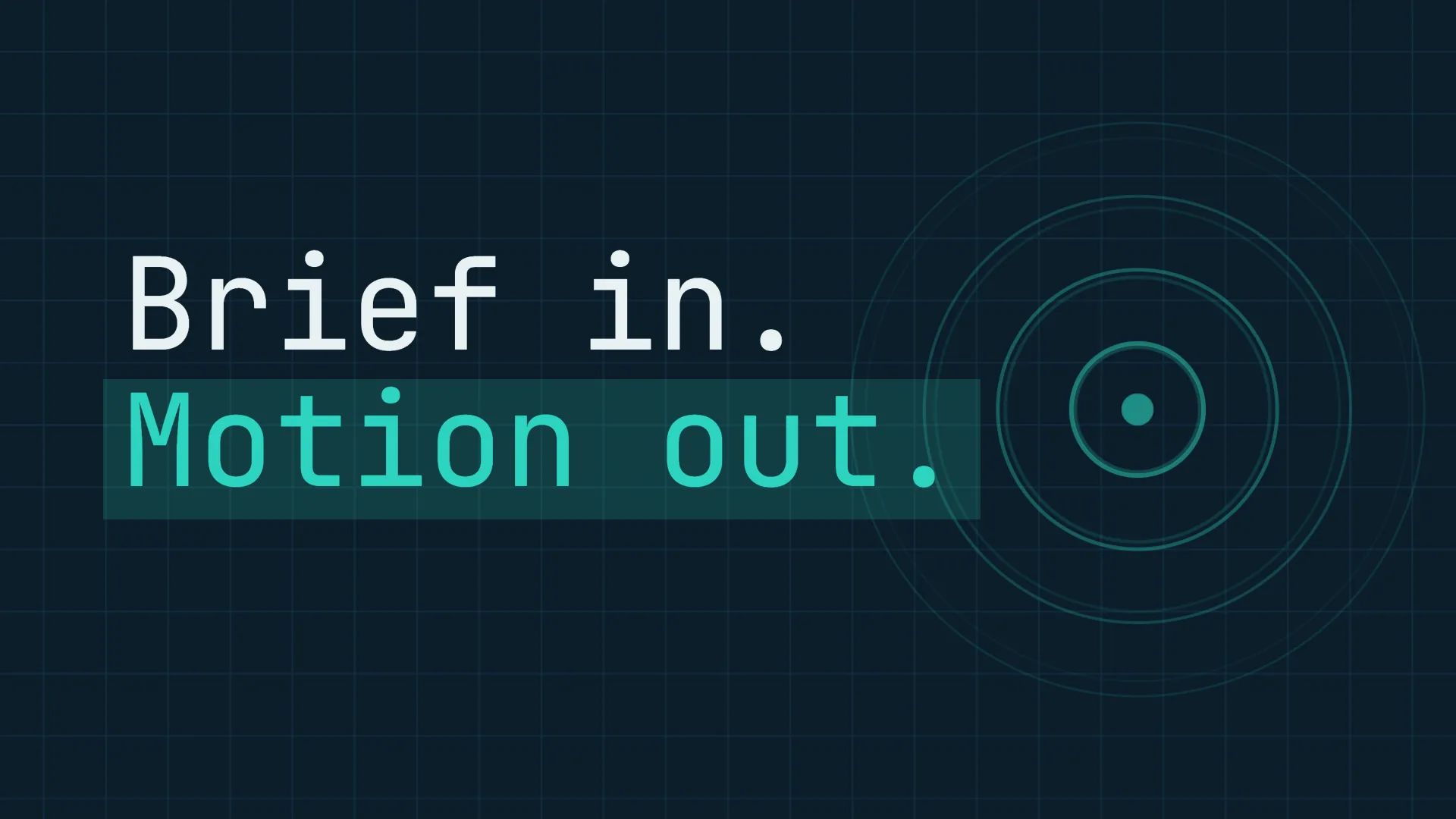
Make the title bigger, more energy.
v2 is ready: the title is 40% larger and slams in on a flash. Same layout and timing everywhere else.
Drag, resize and recolour any layer in the editor, then save it as a new version. No agent, no tokens.
C · Signalv3
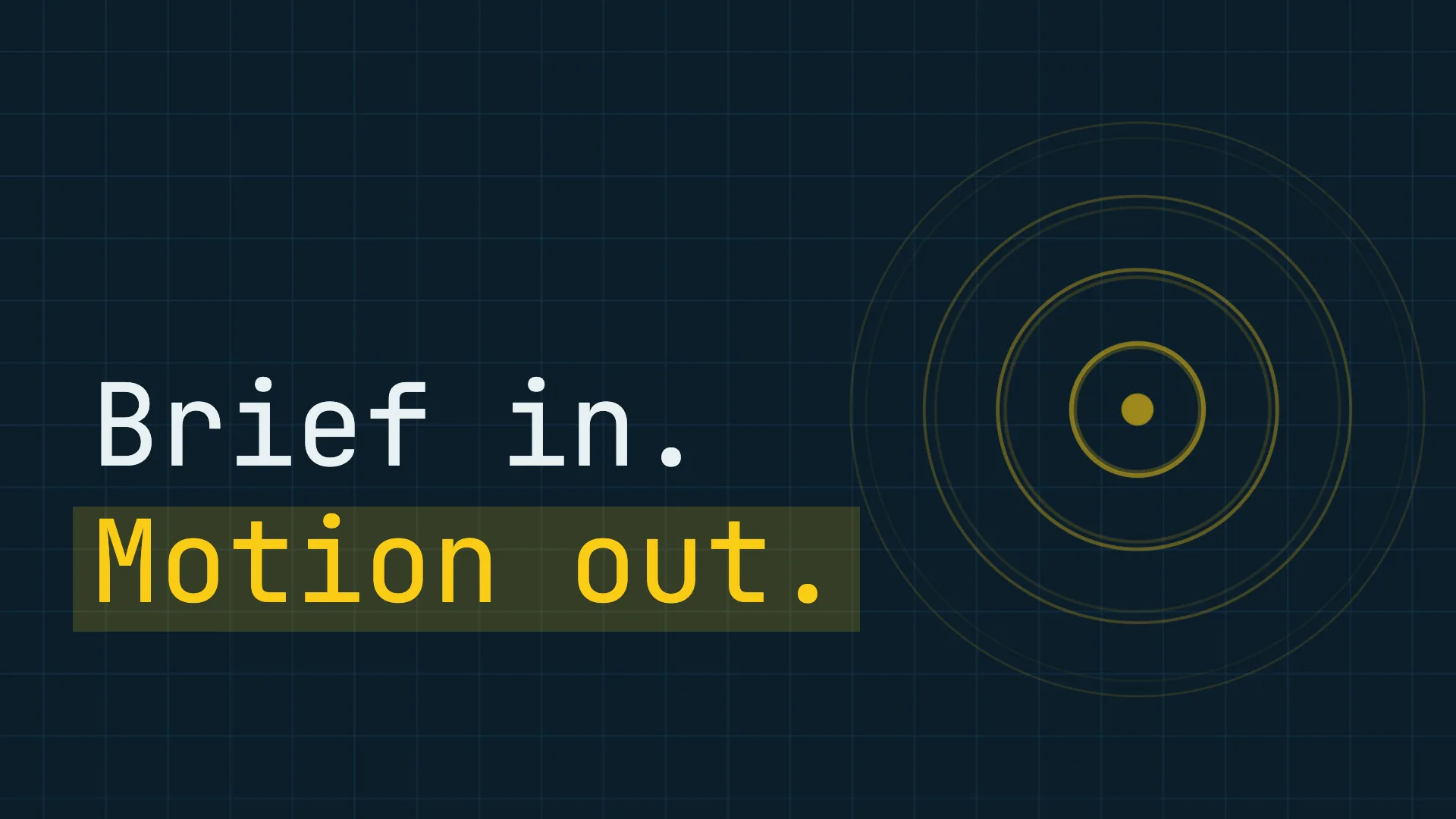
Direct edits in the editor: the title moved, resized and recoloured. Saved as v3.
Paste a website: its palette, fonts and logo become a brand kit, each with where it came from. Your edits stay.
C · Signalv4
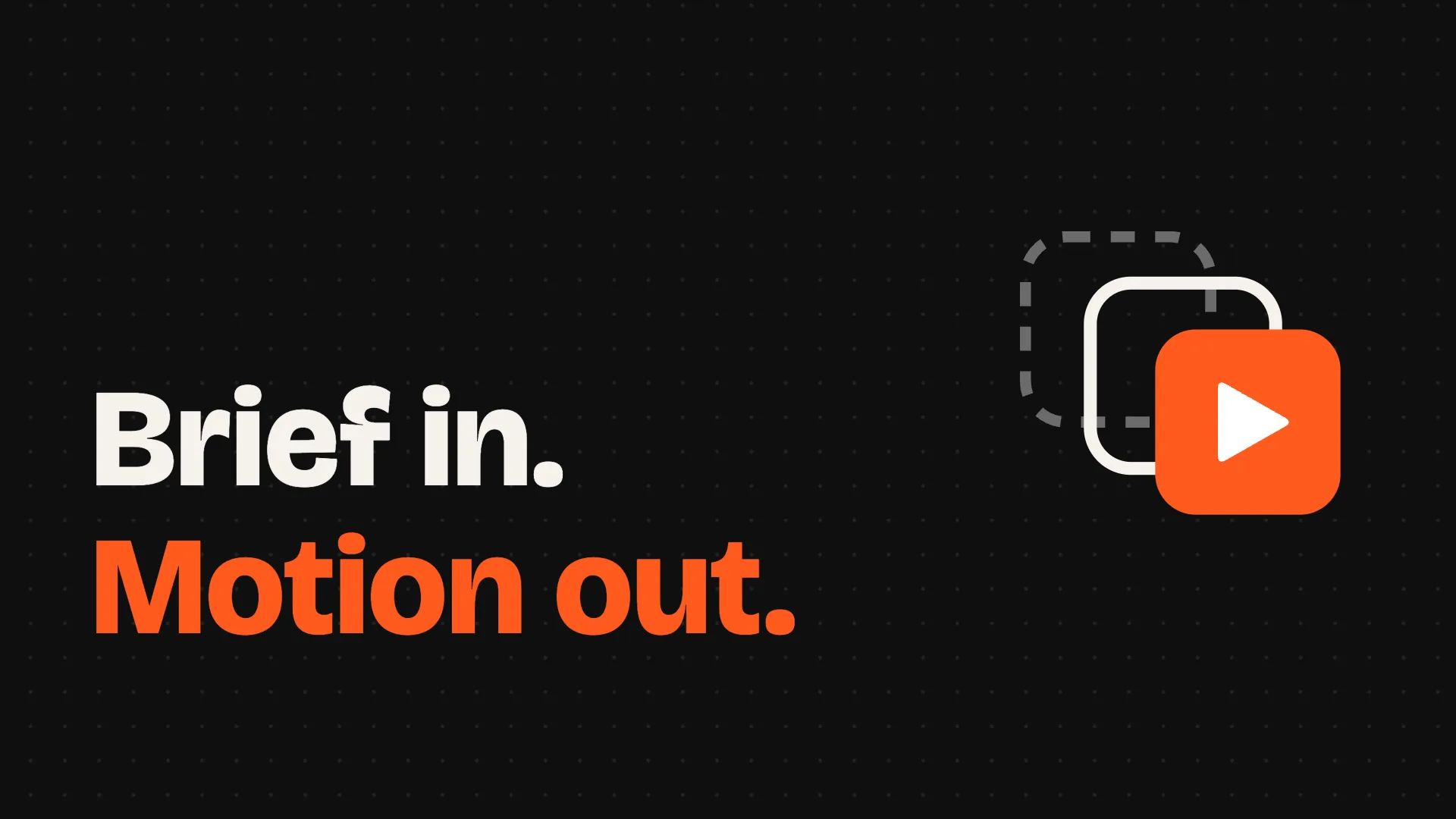
Use our brand: aleloca.github.io/motion-studio
Read it: a #0F0F0F stage, #FF5A1F orange, Bricolage Grotesque and Instrument Sans, and the logo. v4 wears them, and your edits stay.
Images from OpenAI, voice-overs, music and sound effects from ElevenLabs, with your own keys. Every paid call waits for your OK.
C · Signalv5
Voice-over · Eric
Music · music_v1
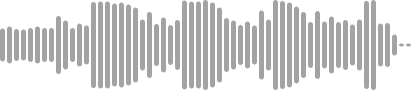
Add a cinematic backdrop behind the title, a voice-over and a music bed.
Made on your keys: the backdrop with gpt-image-2, now behind the title in v5, and with ElevenLabs the voice-over (Eric, eleven_multilingual_v2) and the music bed.
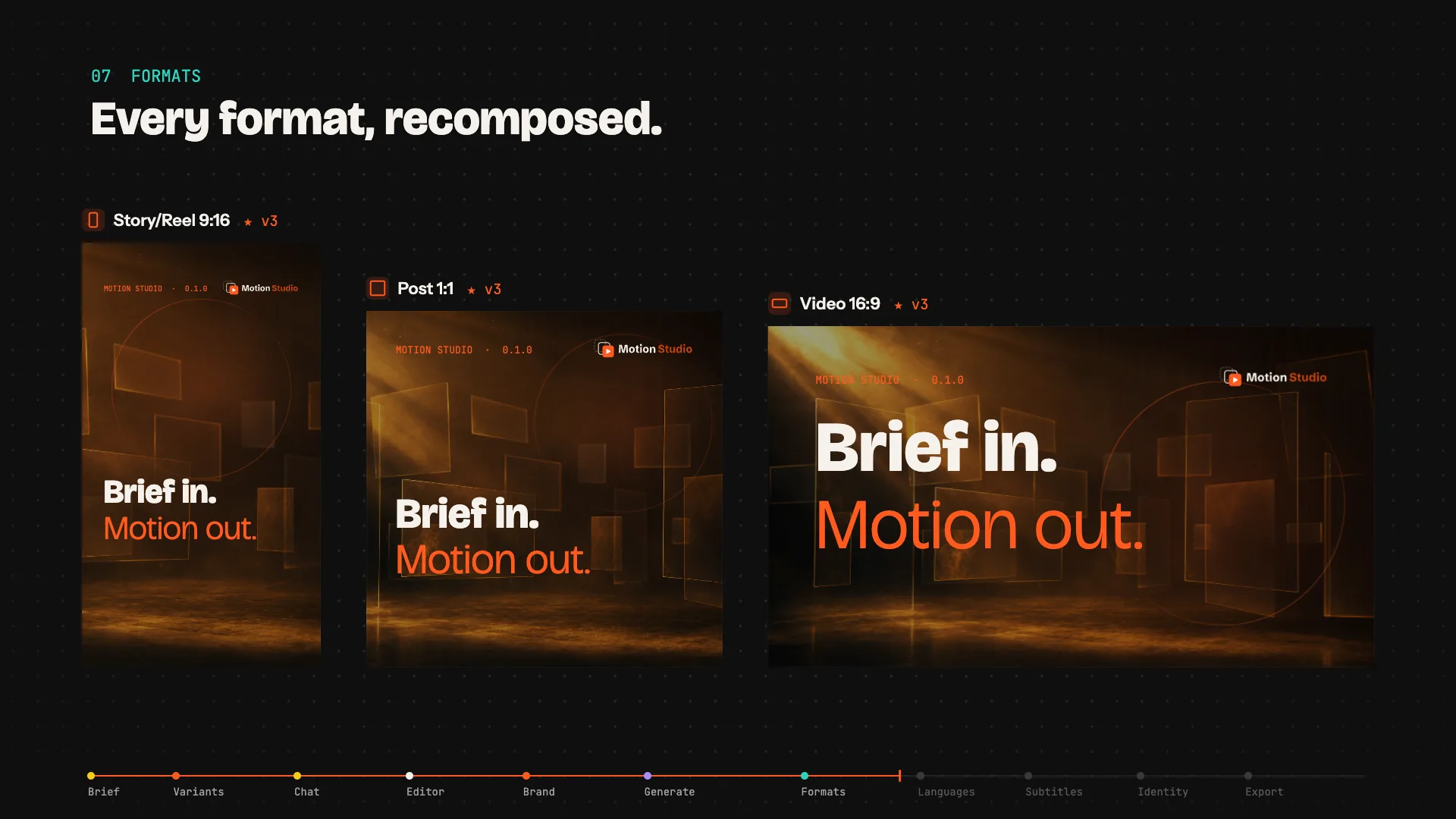
The chosen 16:9 becomes a Reel and a square post, each laid out again for its own frame. Never cropped.
C · Signal 16:9v5
Post 1:1
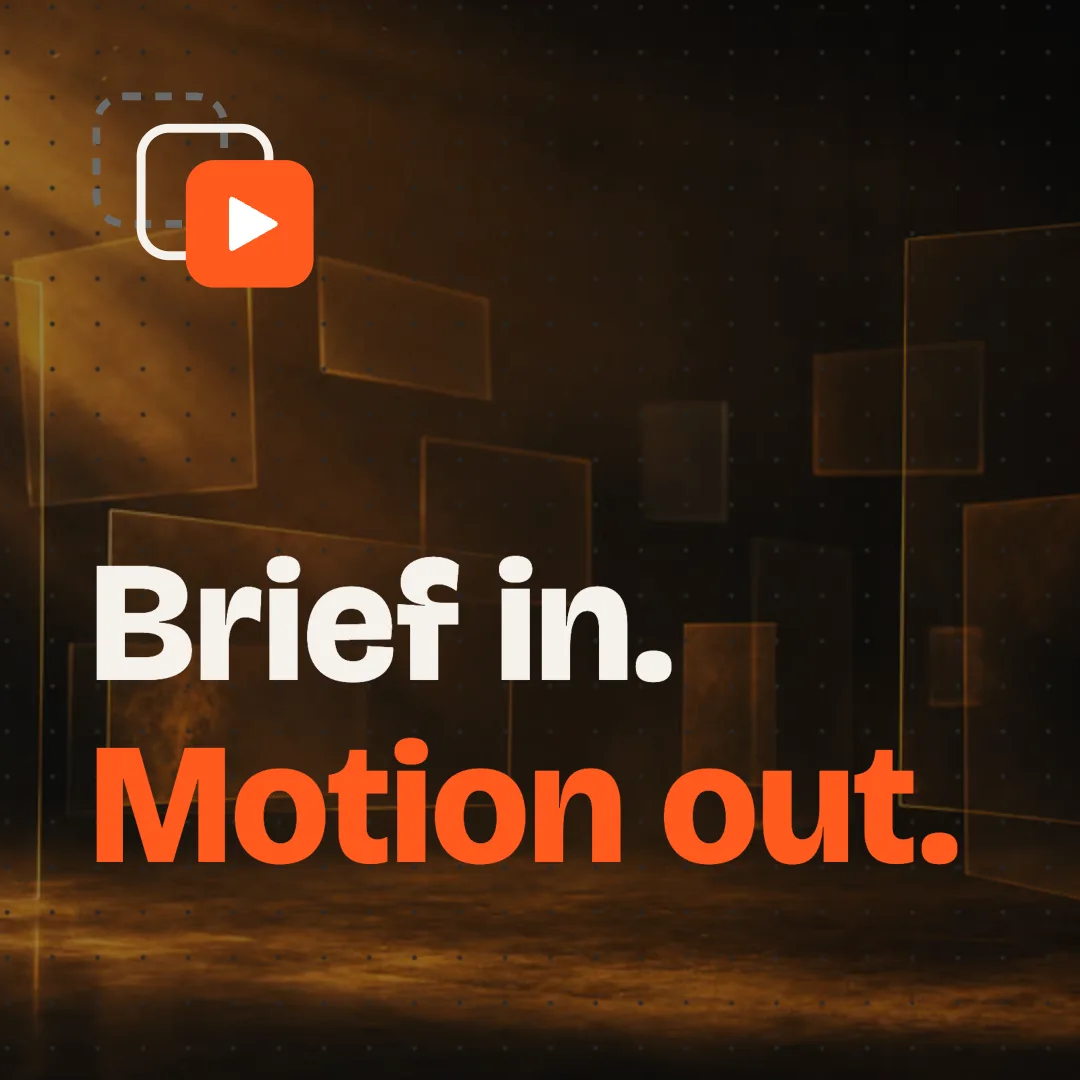
Reel 9:16
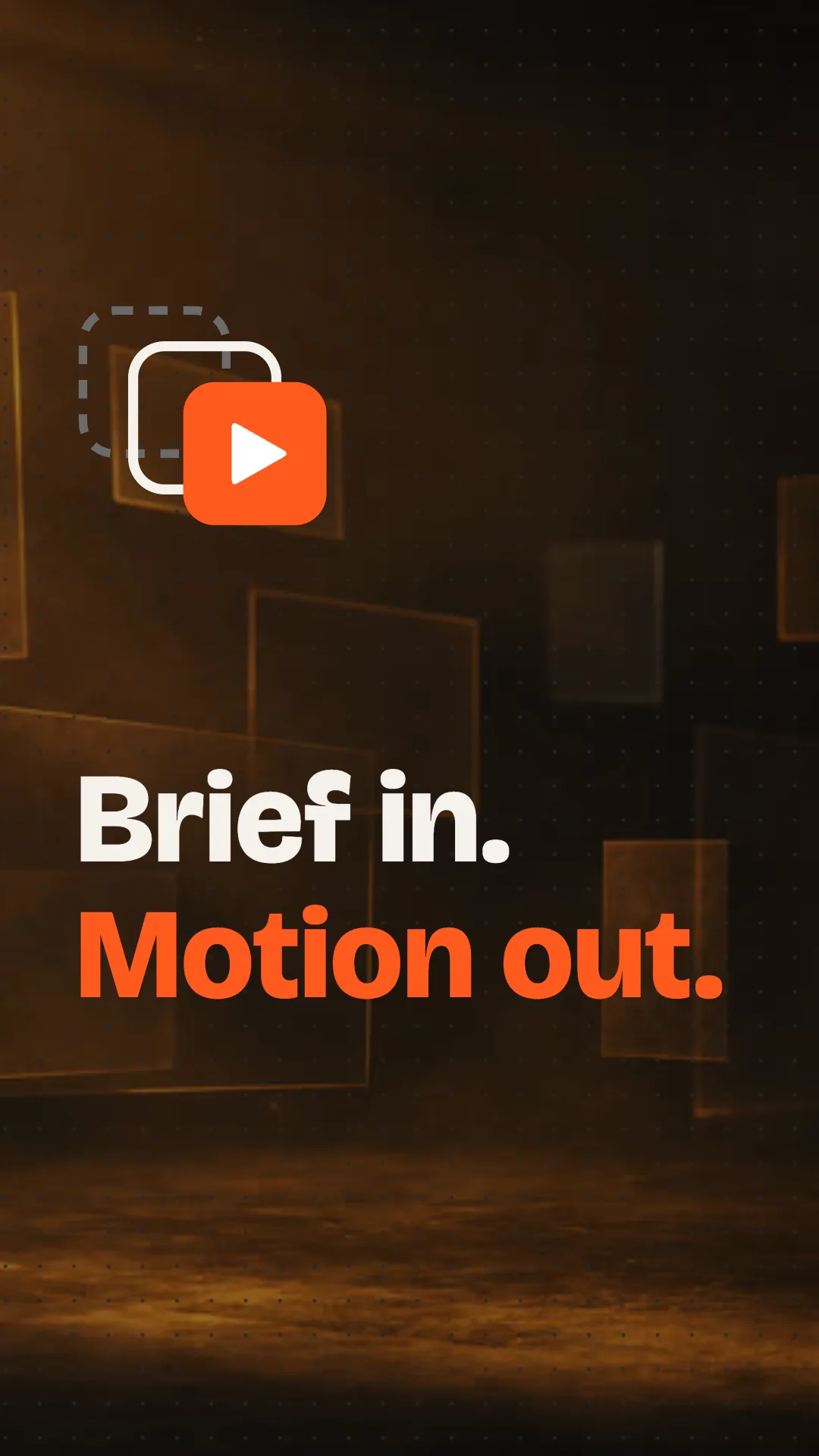
Also make it for Reels and Instagram posts.
Done: a 9:16 and a 1:1, each recomposed for its frame. The mark leads the Reel, the title stacks under it.
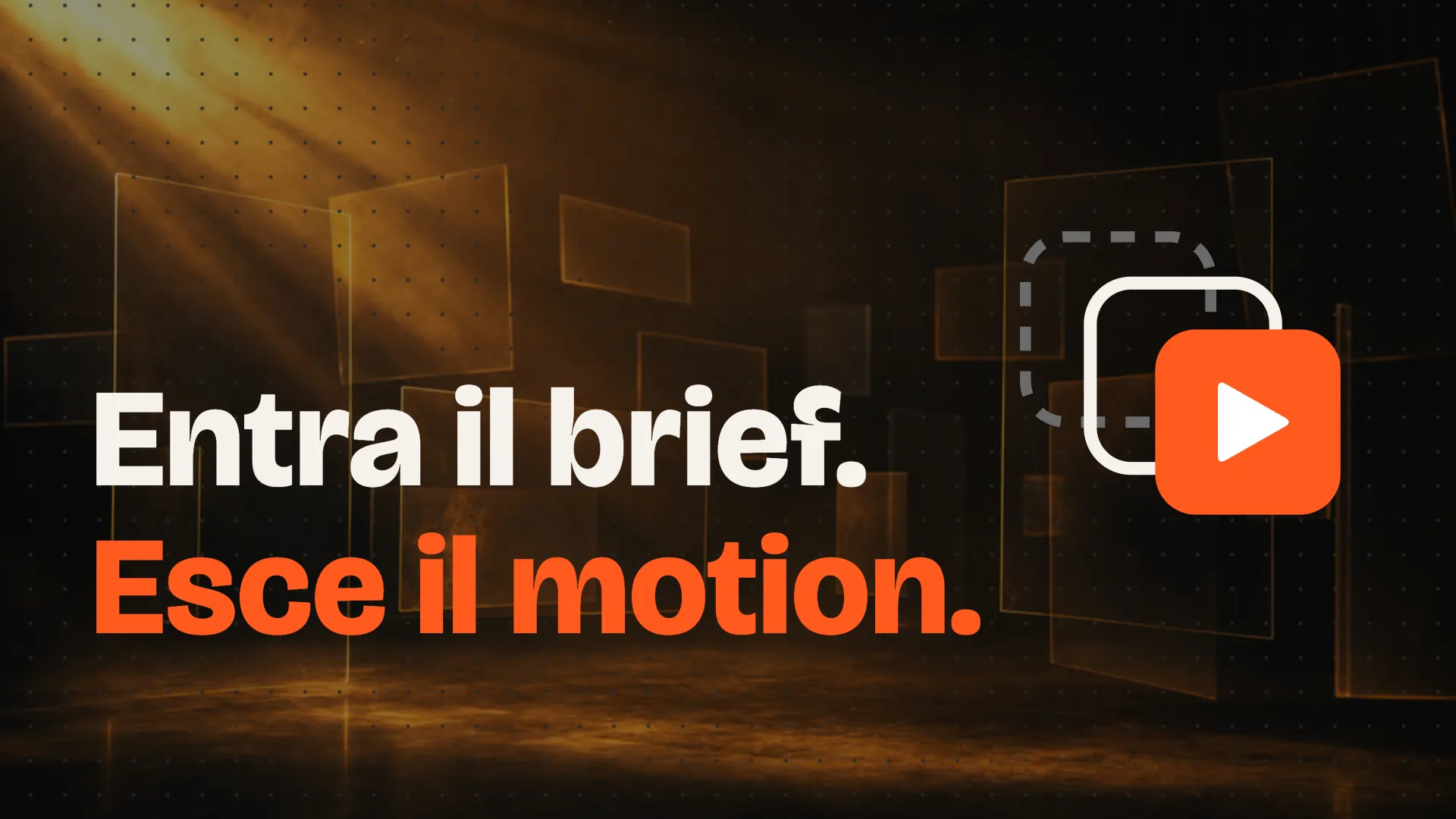
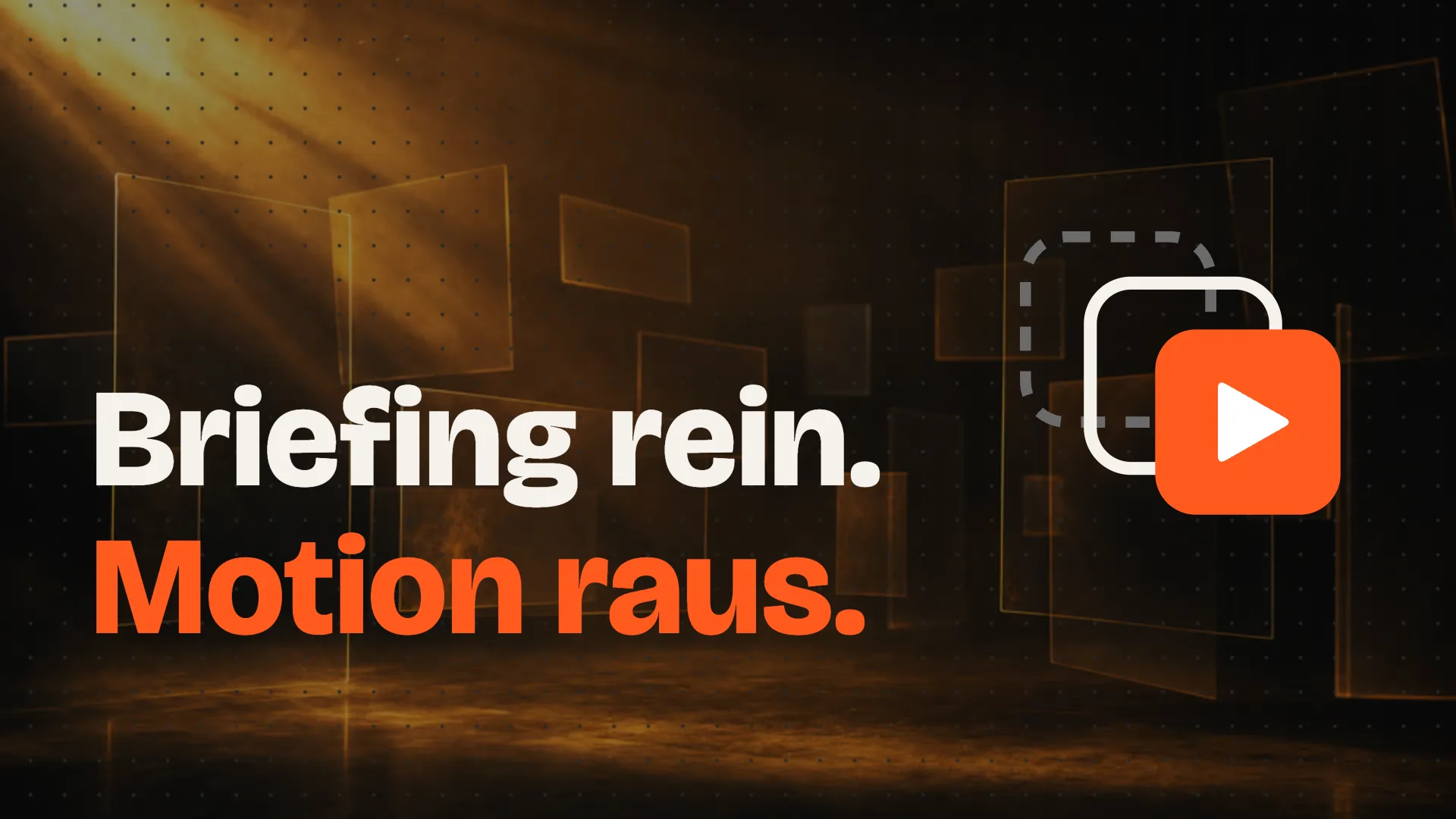
Name the languages and Claude translates. Only the words change: positions, timing and colours stay, and every line fits its box.
16:9 · English
16:9 · Italiano
16:9 · Deutsch
16:9 · Español
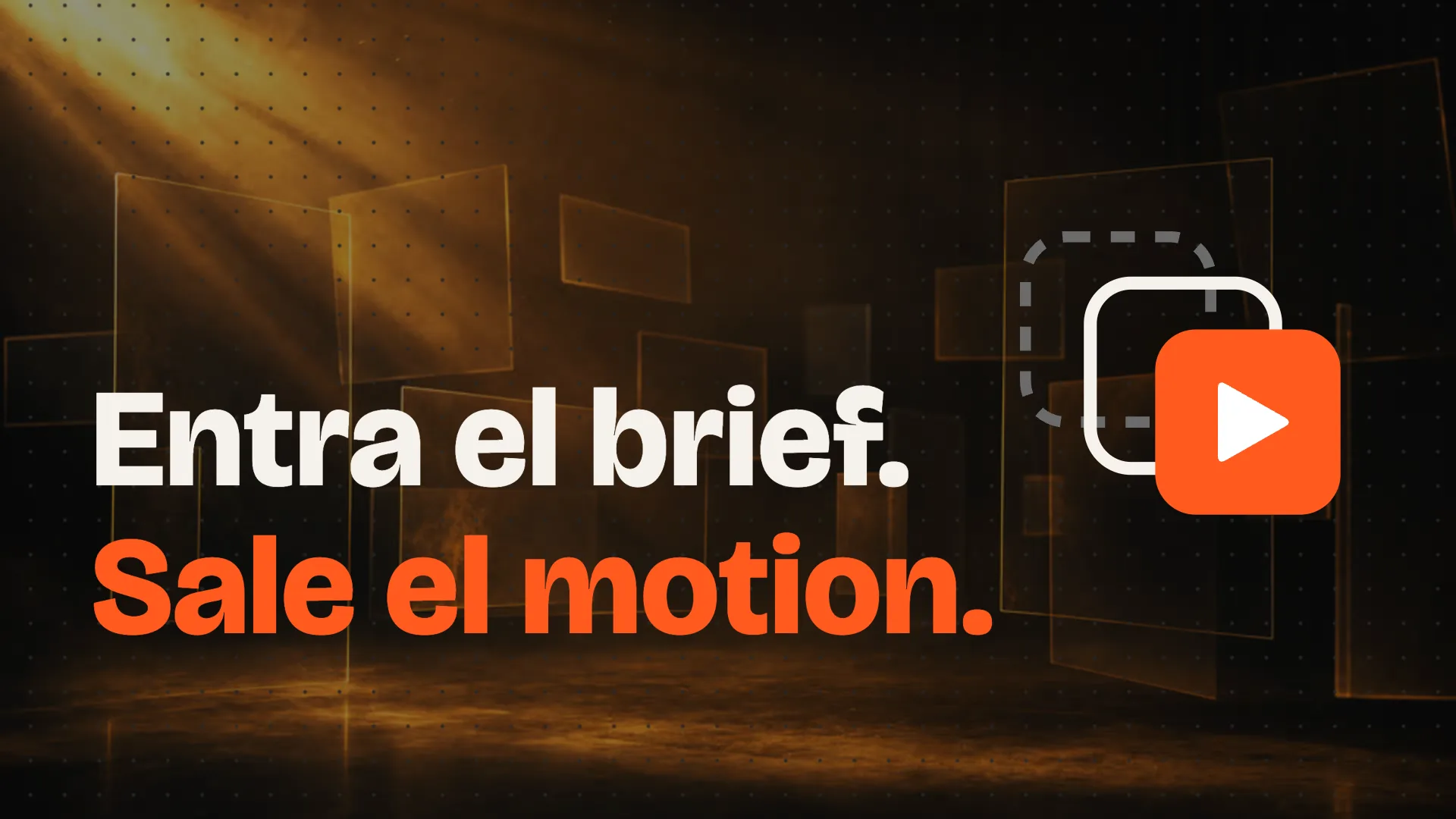
Italian, German and Spanish too.
Three translations. Positions, timing and colours are the original’s, and every line fits its box at the same size.
Transcribed from the voice-over on your computer, drawn on the video in sync, and one click from an .srt or a .vtt.
C · Signalv6
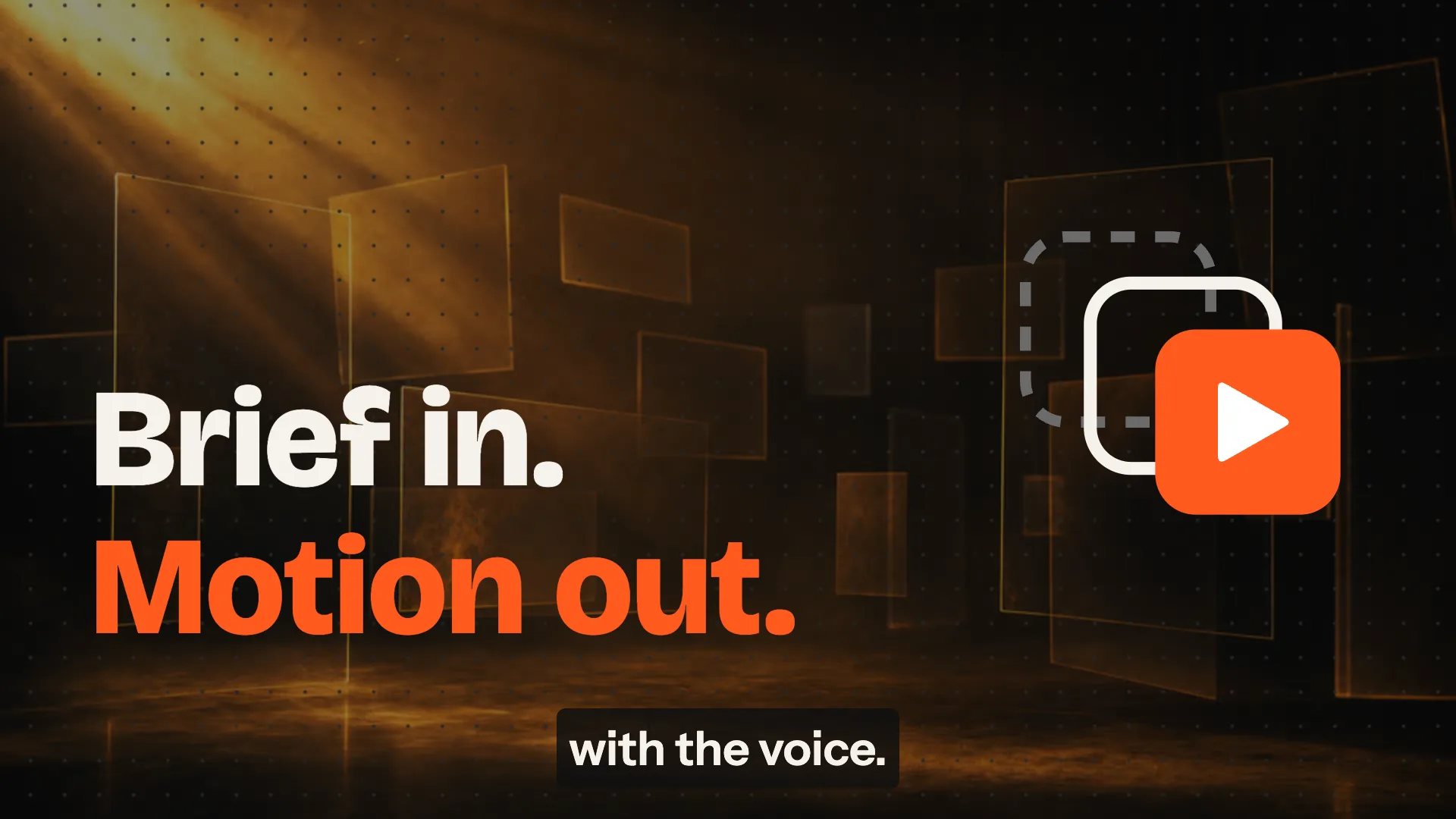
Add subtitles from the voice-over.
Transcribed locally with Whisper: two lines, each word timed. They’re drawn on the 16:9, and .srt and .vtt are one click away.
Every starred version rendered on your computer and named for its channel. Existing files are never overwritten.
Export the starred versions
Each format at its version, ready to post.
Existing files are never overwritten
Exported 8 items to your folder, each named for its channel.
The launch video Motion Studio made of itself, played here by its own runtime: every step above, with its voice-over. Play turns the sound on.
Motion Studio runs on your computer, in its own desktop window or in your browser.
Read the user guide Every feature, step by step.
Every build is in the latest release:
.dmg for Apple Silicon or Intel, signed and notarized..exe installer, not signed yet (SmartScreen: More info, then Run anyway)..AppImage; make it executable and run it.git clone https://github.com/Aleloca/motion-studio
cd motion-studio
pnpm install
pnpm motion-studionpx @motion-studio/cli
Node 22 or newer and Chrome. Starts Motion Studio and opens it in the browser.
Twelve made-up brands, from a trattoria to a design conference. Each board is a real Motion Studio composition (type, shapes and hand-drawn SVG on a timeline) played by the app’s own runtime, so every layer stays editable.
Alta Via Co.9:16 · Reel
Travel · Dusk landscape in layers
FORM/2716:9 · YouTube
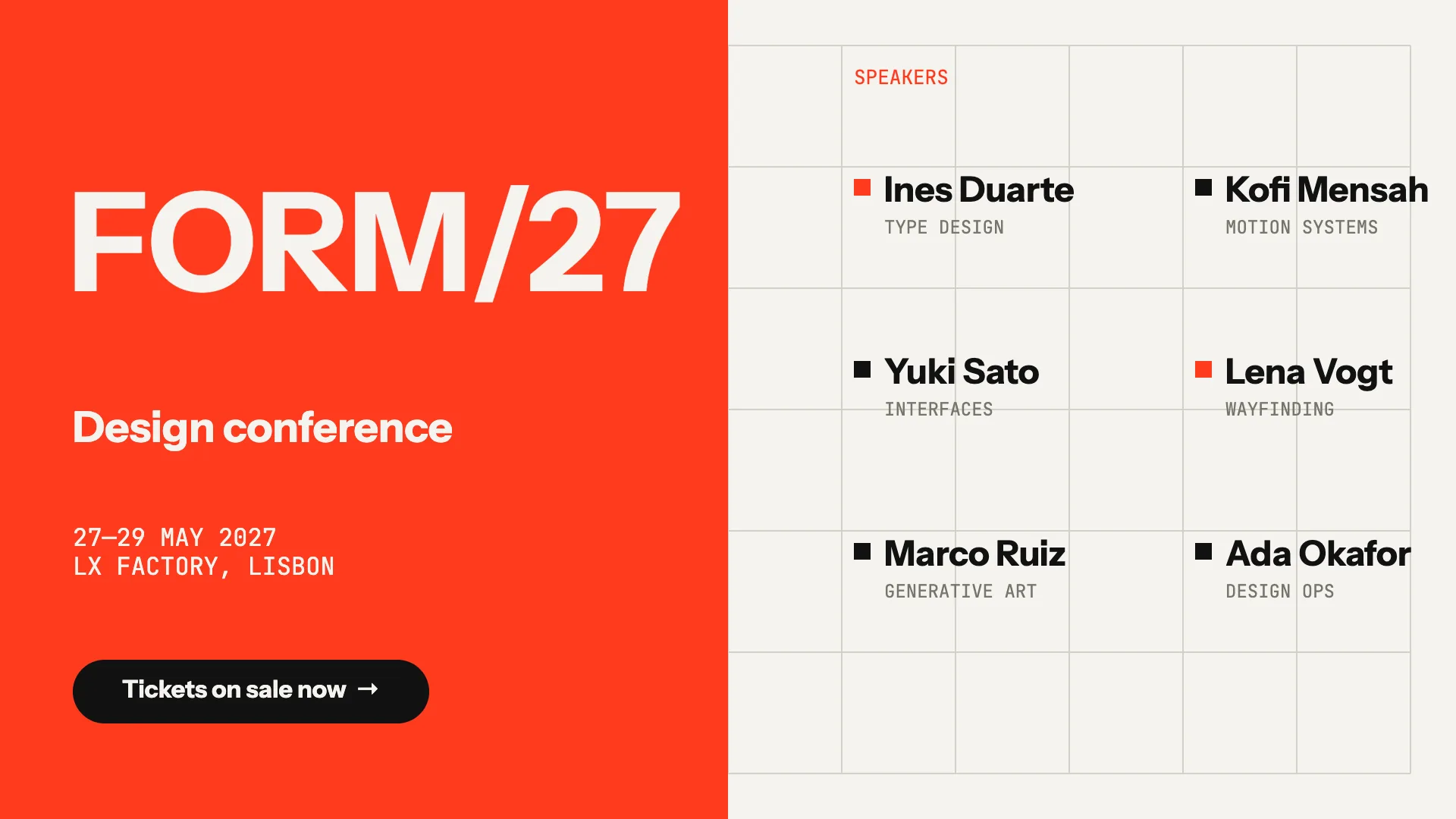
Conference · Swiss grid
Night Sky 1011:1 · Post
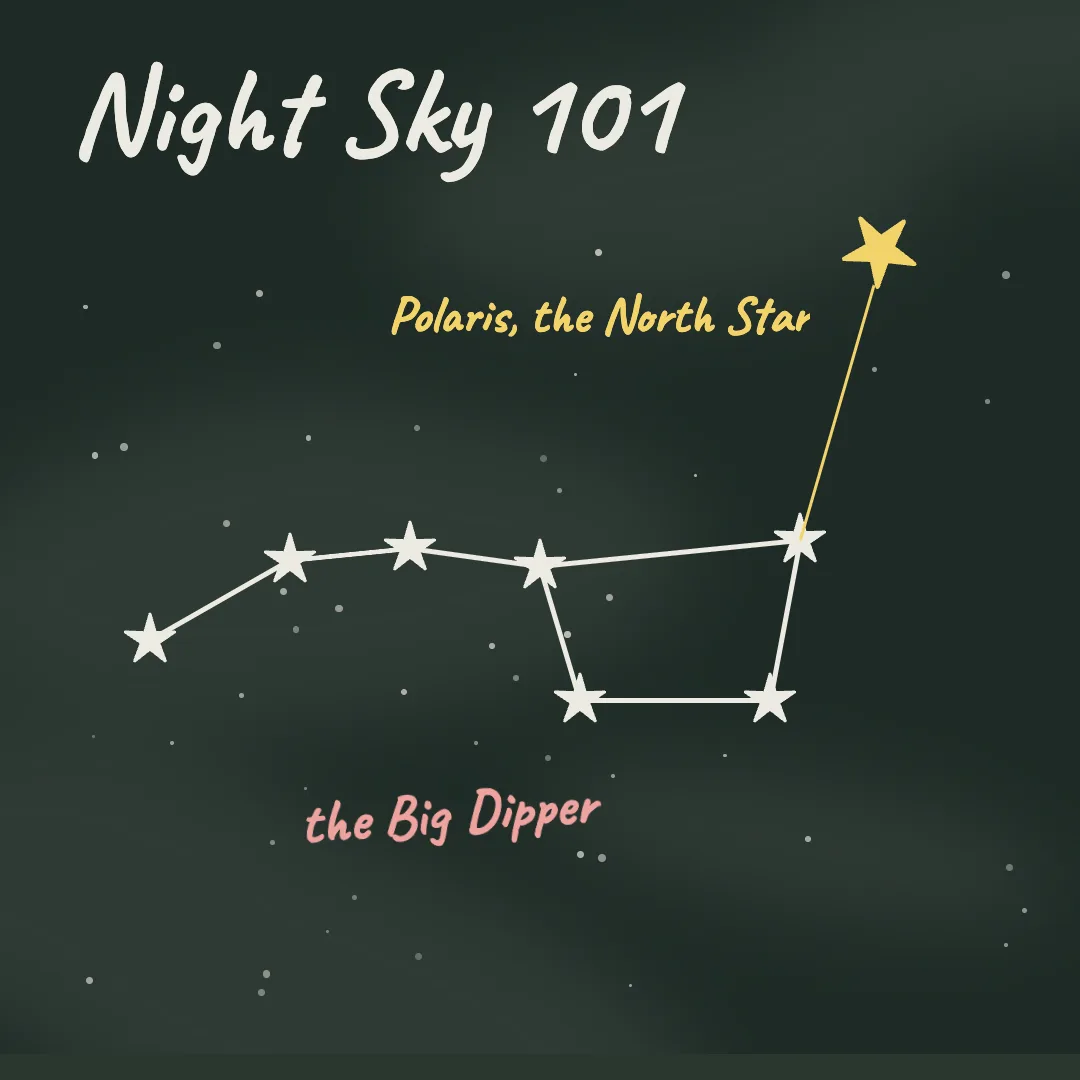
Education · Chalkboard
Late Signal1:1 · Post
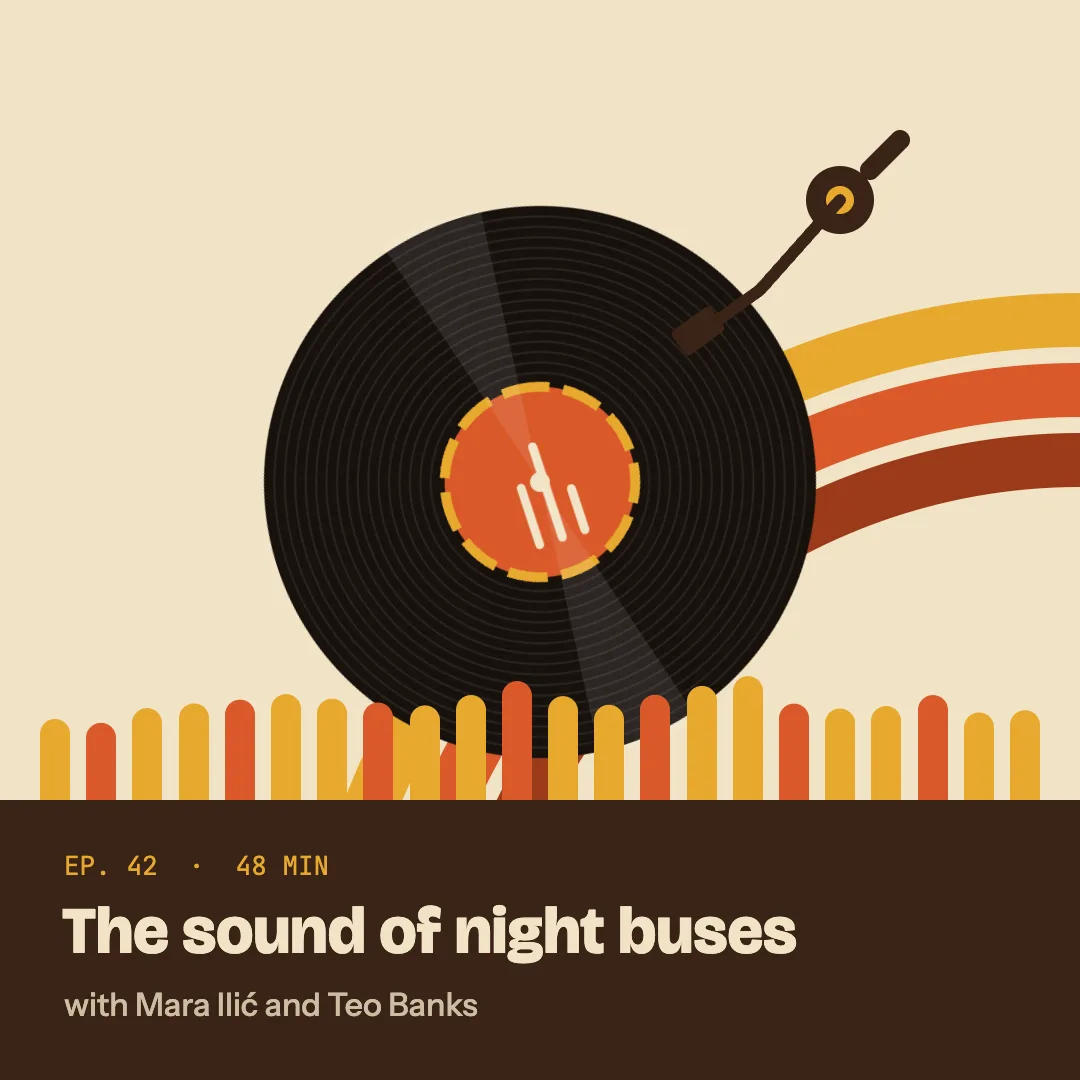
Podcast · Seventies warm
Casa Ombra16:9 · YouTube
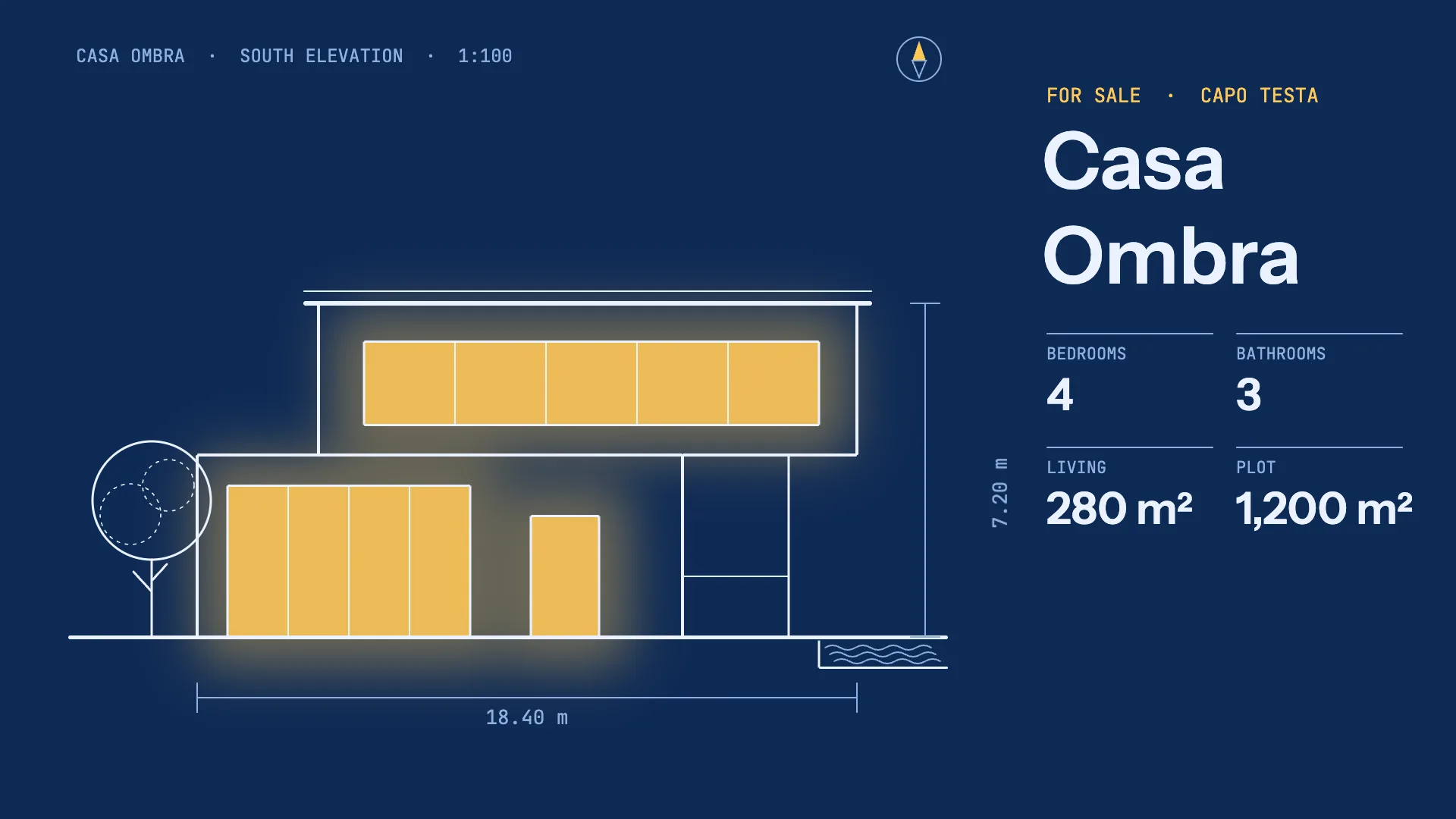
Real estate · Blueprint
Fernwise9:16 · Reel
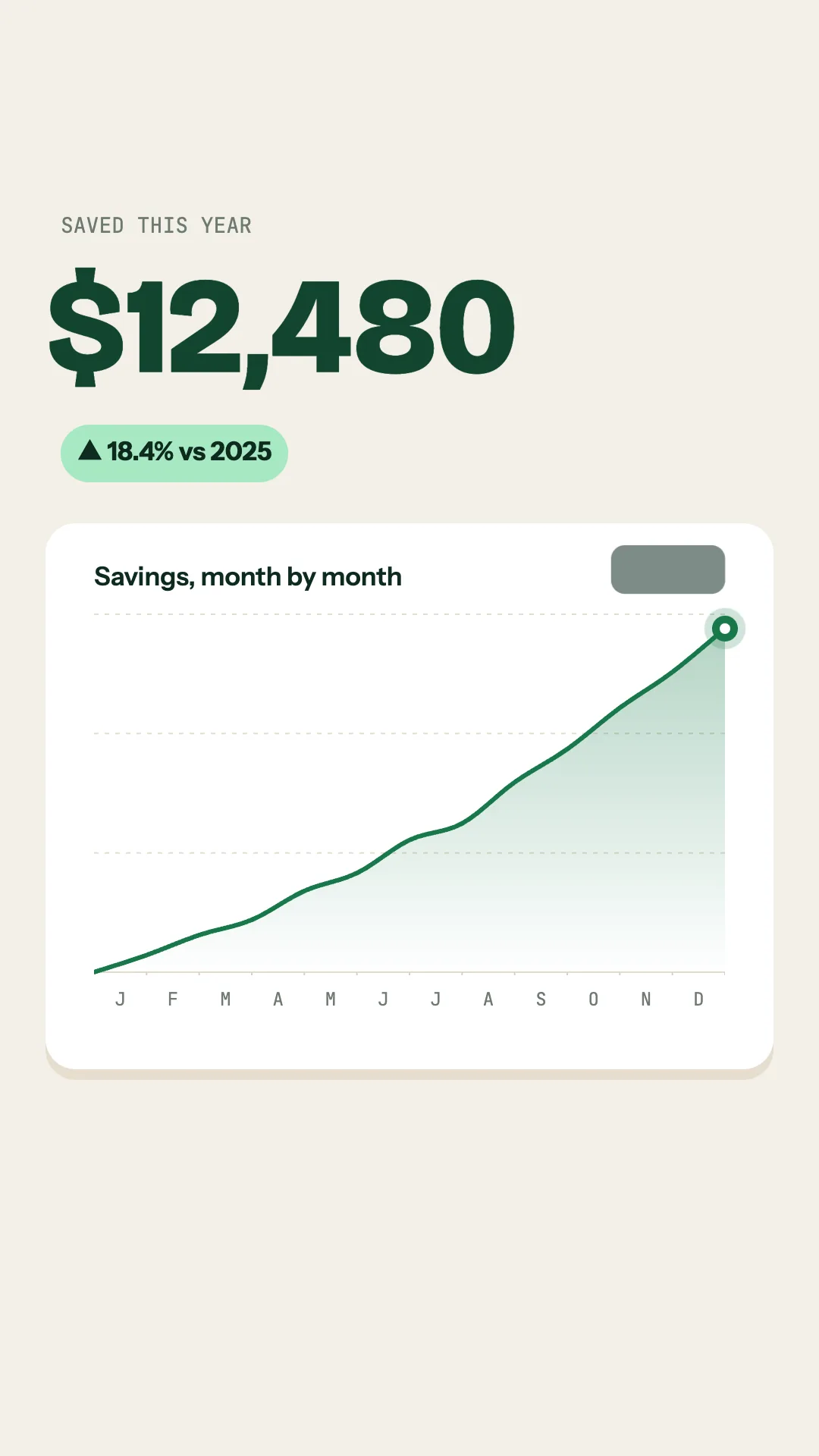
Fintech · Calm and light
KOVA Air16:9 · YouTube
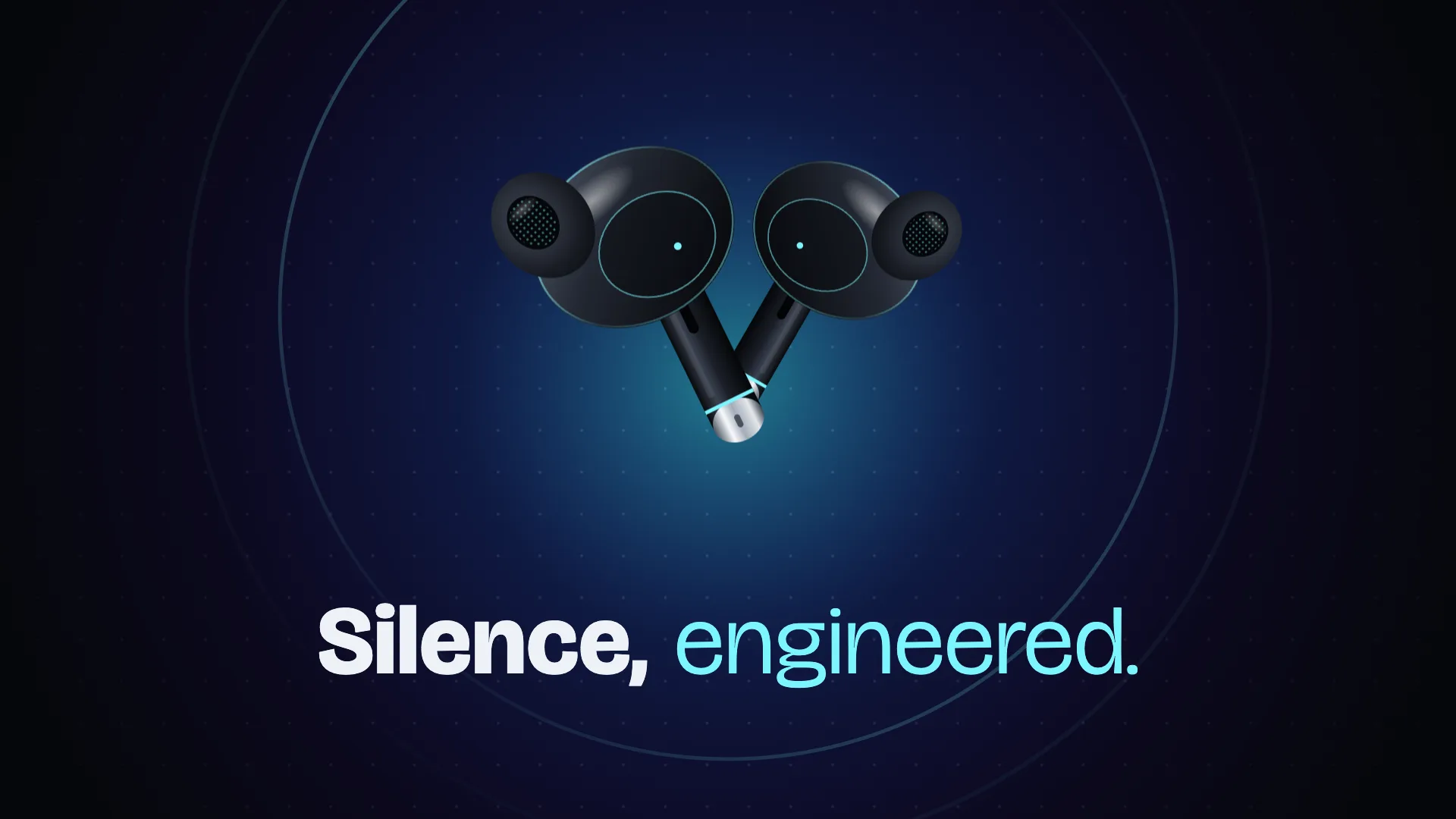
Tech launch · Dark product glow
Greenroots9:16 · Reel
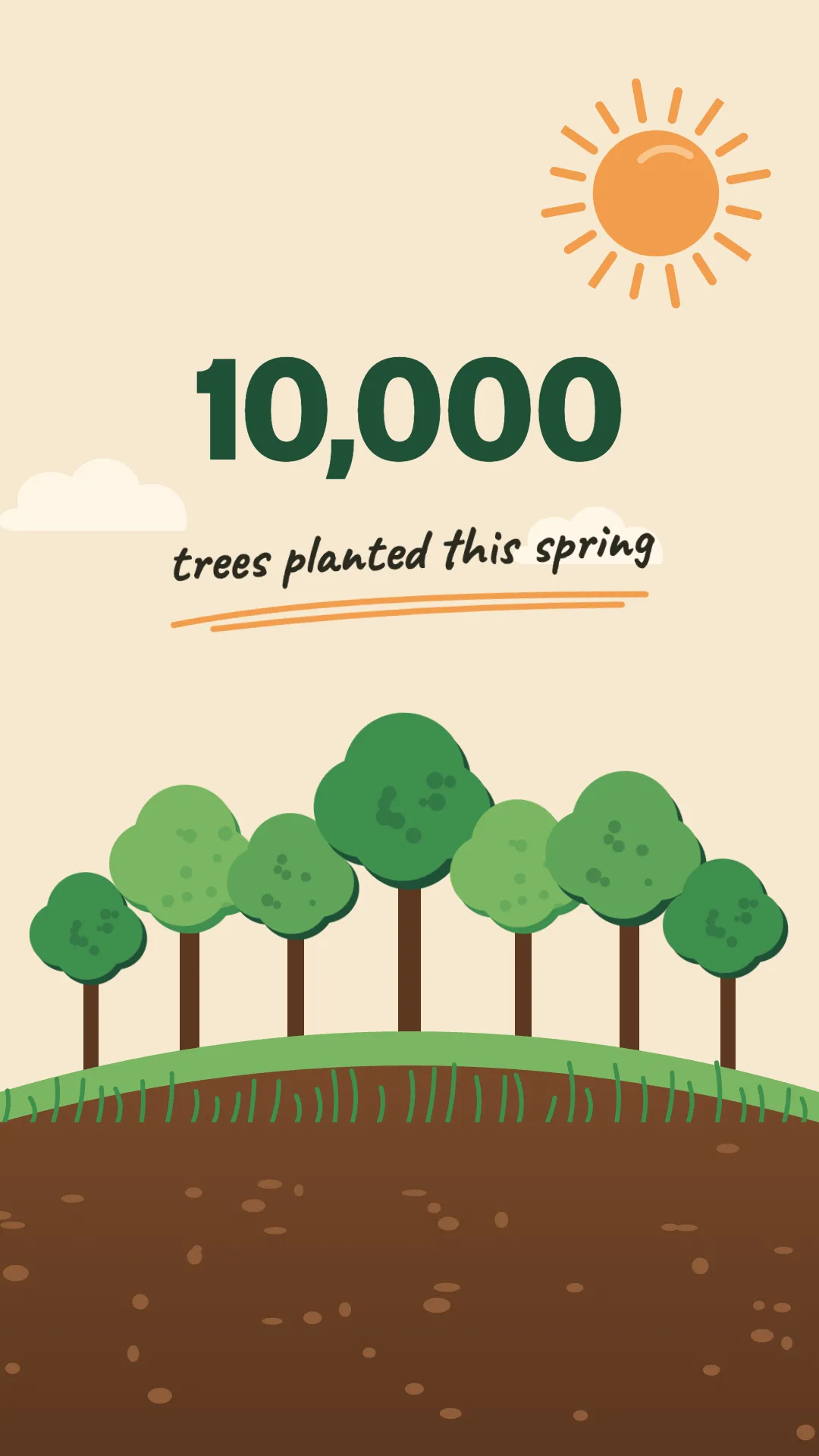
Charity · Warm illustration
TIDEFALL4:5 · Post
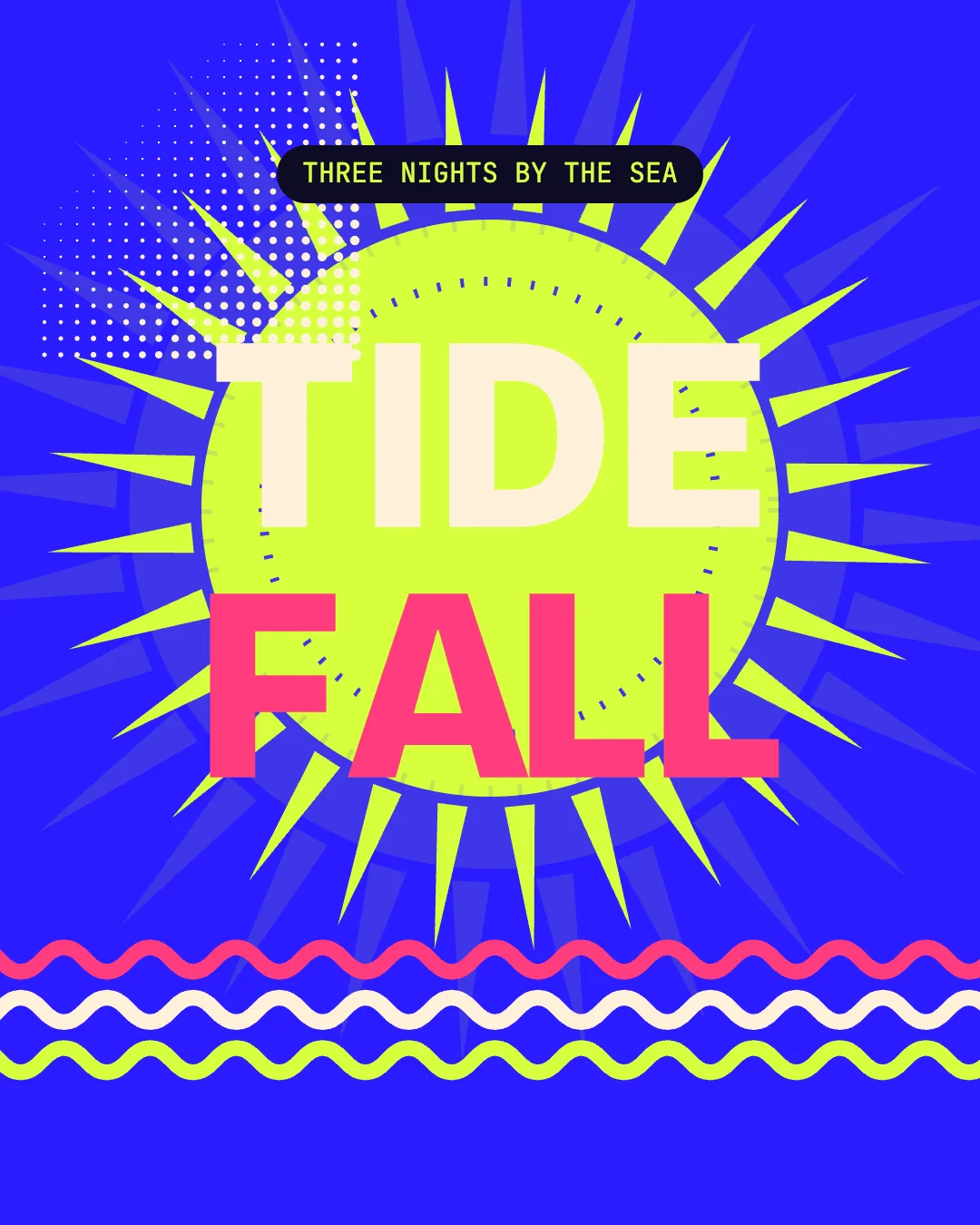
Music festival · Pop poster
Osteria Fumo4:5 · Post
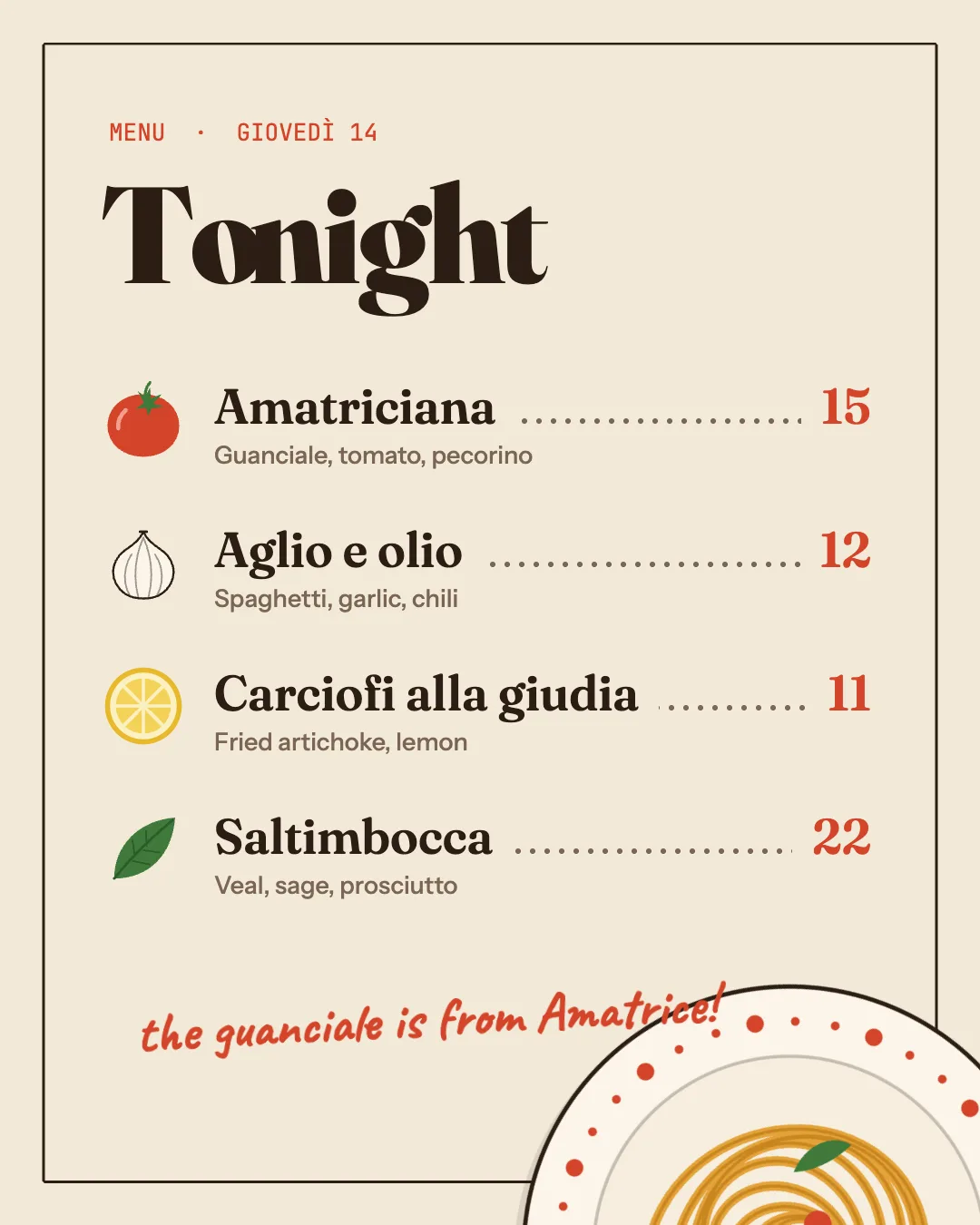
Food · Warm editorial
VOLT Run Club1:1 · Post
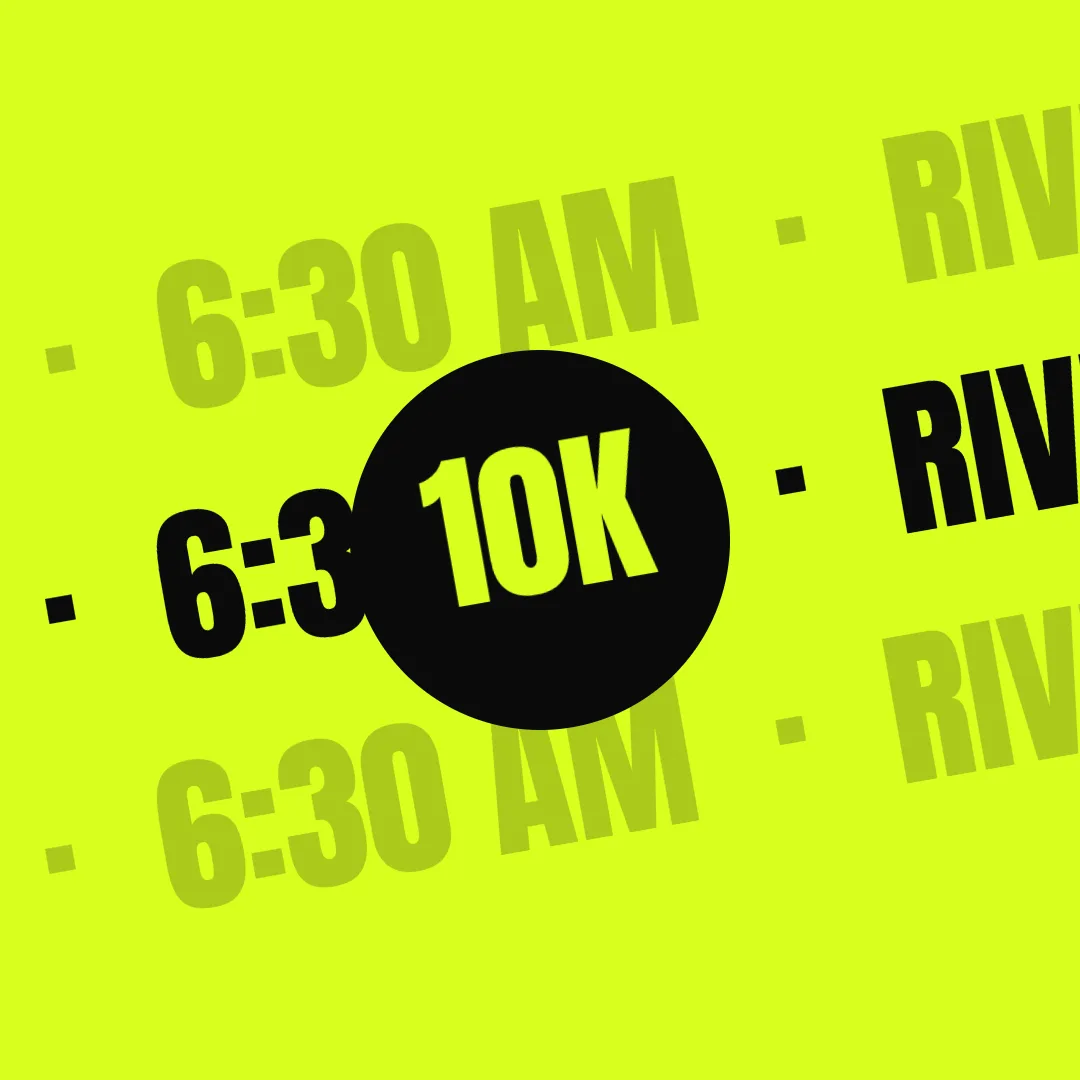
Sports · Diagonal kinetic type
Maison Noir4:5 · Post
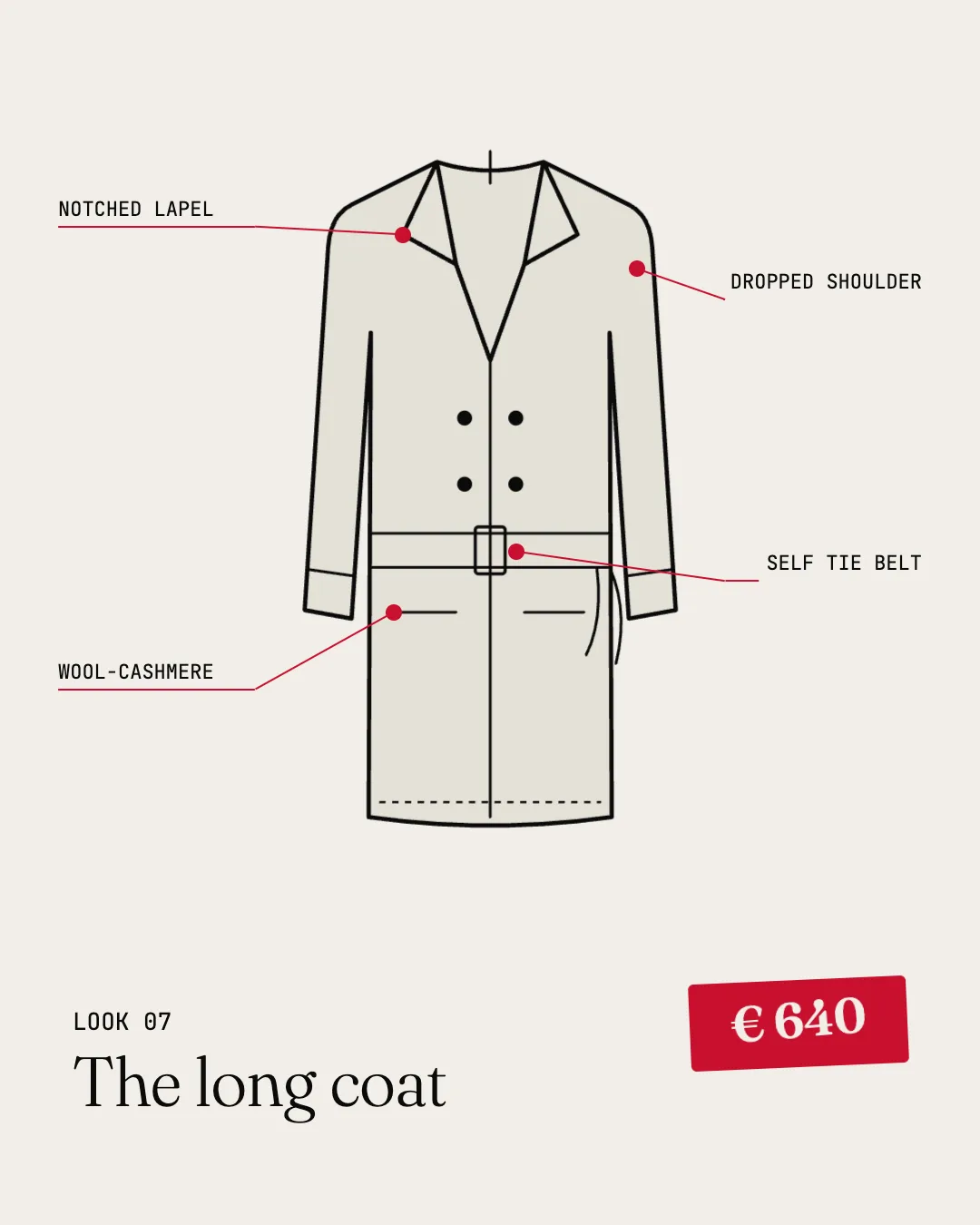
Fashion · High-contrast editorial